
 Контакт
 Как се пазарува?

Доставка
Наръчник за пазаруване
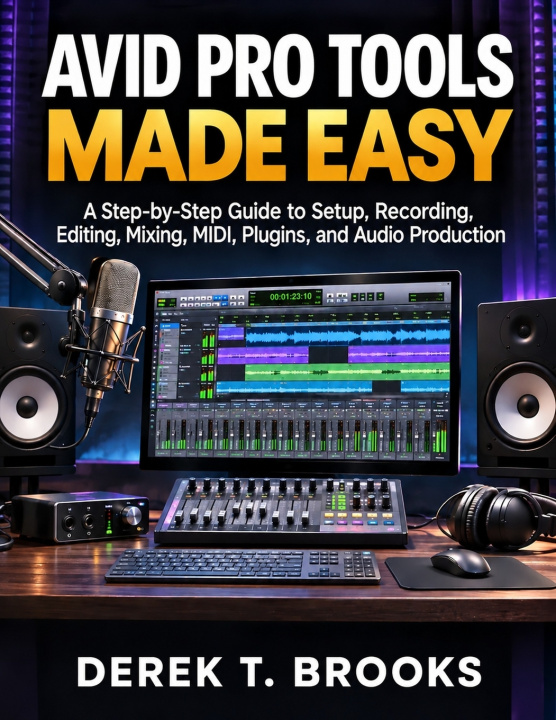
AVID PRO TOOLS MADE EASY
A Step-by-Step Guide to Setup, Recording, Editing, Mixing, MIDI, Plugins, and Audio Production
 Английски език
 80 b
 Подготвяме
 Нови
До 30 дни за връщане на стоки

This book is an independently written user guide intended solely for educational and informational purposes.
Want to record music, edit a podcast, or produce polished audio-but feel lost every time you open Pro Tools? Unfamiliar controls, silent tracks, confusing settings, and endless mixing options can make even a simple project frustrating.
AVID PRO TOOLS MADE EASY is a practical, beginner-friendly user guide book that takes you from initial setup to completed audio projects. Instead of overwhelming you with technical jargon, it explains the essential tools in clear language and shows how recording, editing, MIDI, plugins, and mixing fit together.
Inside, you will learn how to:
- Install and activate Pro Tools, understand its editions, and prepare a compatible computer.
- Connect microphones, headphones, audio interfaces, and MIDI equipment.
- Navigate the Edit and Mix windows, create tracks, and organize sessions.
- Choose session settings, import audio, save projects, and protect your work with backups.
- Record vocals, instruments, and spoken audio while managing levels and multiple takes.
- Trim, split, rearrange, and clean up recordings using fades and other editing tools.
- Build musical arrangements with MIDI, virtual instruments, quantization, and note editing.
- Use EQ, compression, reverb, delay, and compatible audio plugins.
- Balance levels, pan tracks, manage headroom, and develop a complete mix.
- Work with buses, sends, auxiliary tracks, and automation for greater control.
- Bounce and export finished audio in formats such as WAV, AIFF, and MP3.
- Troubleshoot missing sound, latency, playback errors, plugin problems, and unstable sessions.
- Apply your skills through six practical projects, including a voice-over, vocal recording, MIDI arrangement, multitrack mix, podcast episode, and finished production.
You don't need to learn every feature at once. Start with one session, build your skills through practice, and move toward recordings you can edit, mix, and share with greater confidence.
Start creating with AVID PRO TOOLS MADE EASY today.


Информация за книгата
Английски език

Подарете тази книга днес
Лесно е
1 Добавете книгата в количката си и изберете Доставка като подарък 2 В замяна ще ви изпратим ваучер 3 Книгата ще пристигне на адреса на получателяЗдравейте! Аз съм Libroamiko, вашият книжен съветник.
Как мога да ви помогна?